
Add SideDigest to Chrome in one click
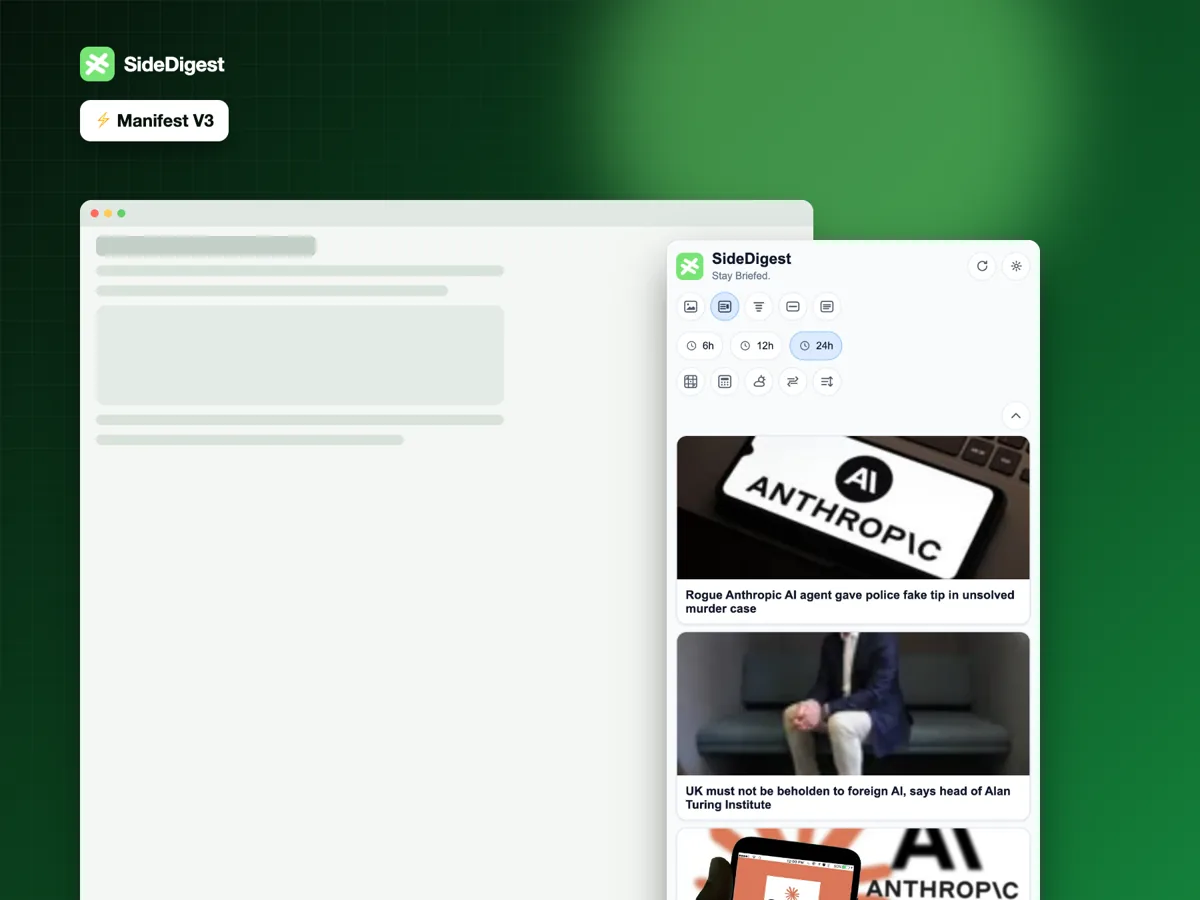
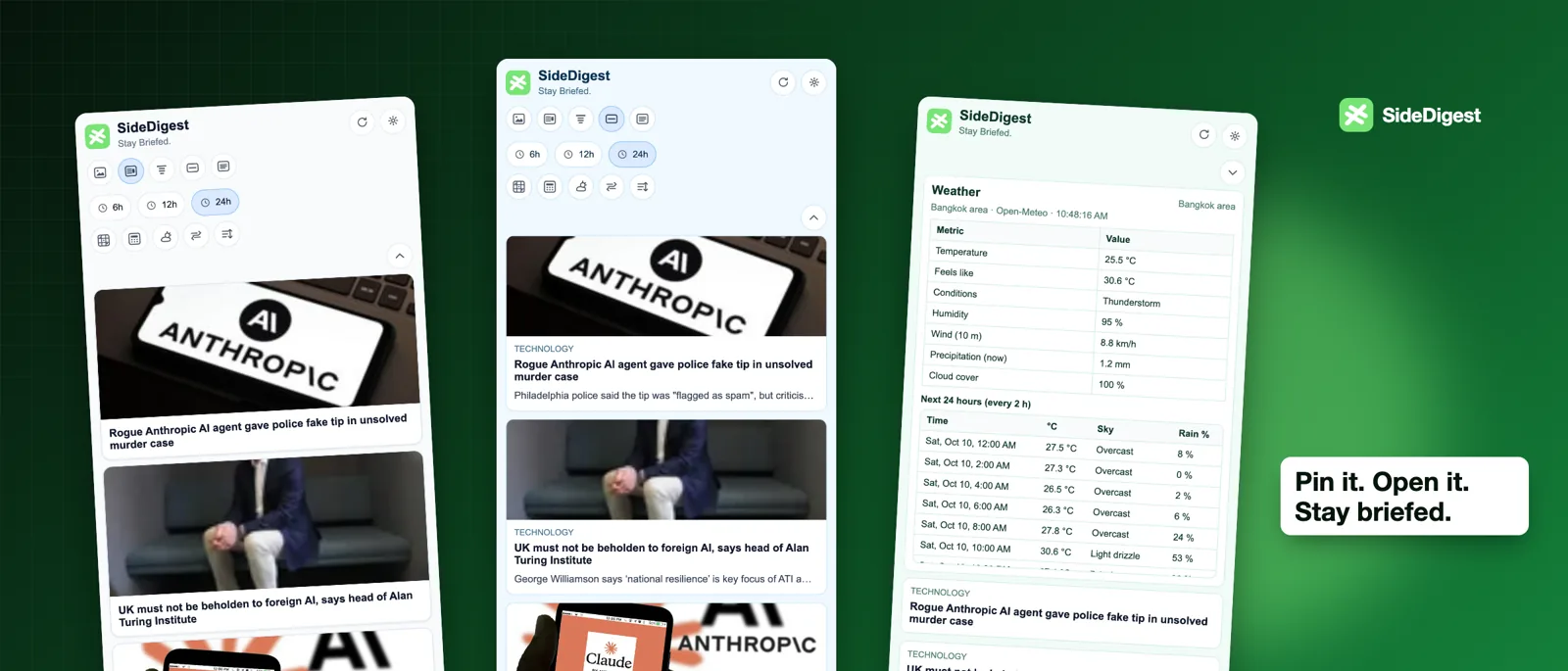
SideDigest uses Chrome's Side Panel API (Manifest V3) so your briefing stays pinned beside Gmail, Docs, or any site — not buried in a popup you forget to open.
Install in three steps
- Open SideDigest on the Chrome Web Store and click Add to Chrome
- Click the puzzle-piece icon in Chrome’s toolbar and pin SideDigest
- Click the SideDigest icon to open the side panel beside any page
What you get
- A live side panel that stays beside the page you’re on
- Full Options page for topics, themes, currencies, and source priority
- Background refresh alarm for feed updates
- Works on Chromium browsers that support side panels (Chrome, Edge, Brave)
Need a hand? Contact support.