What is SideDigest?
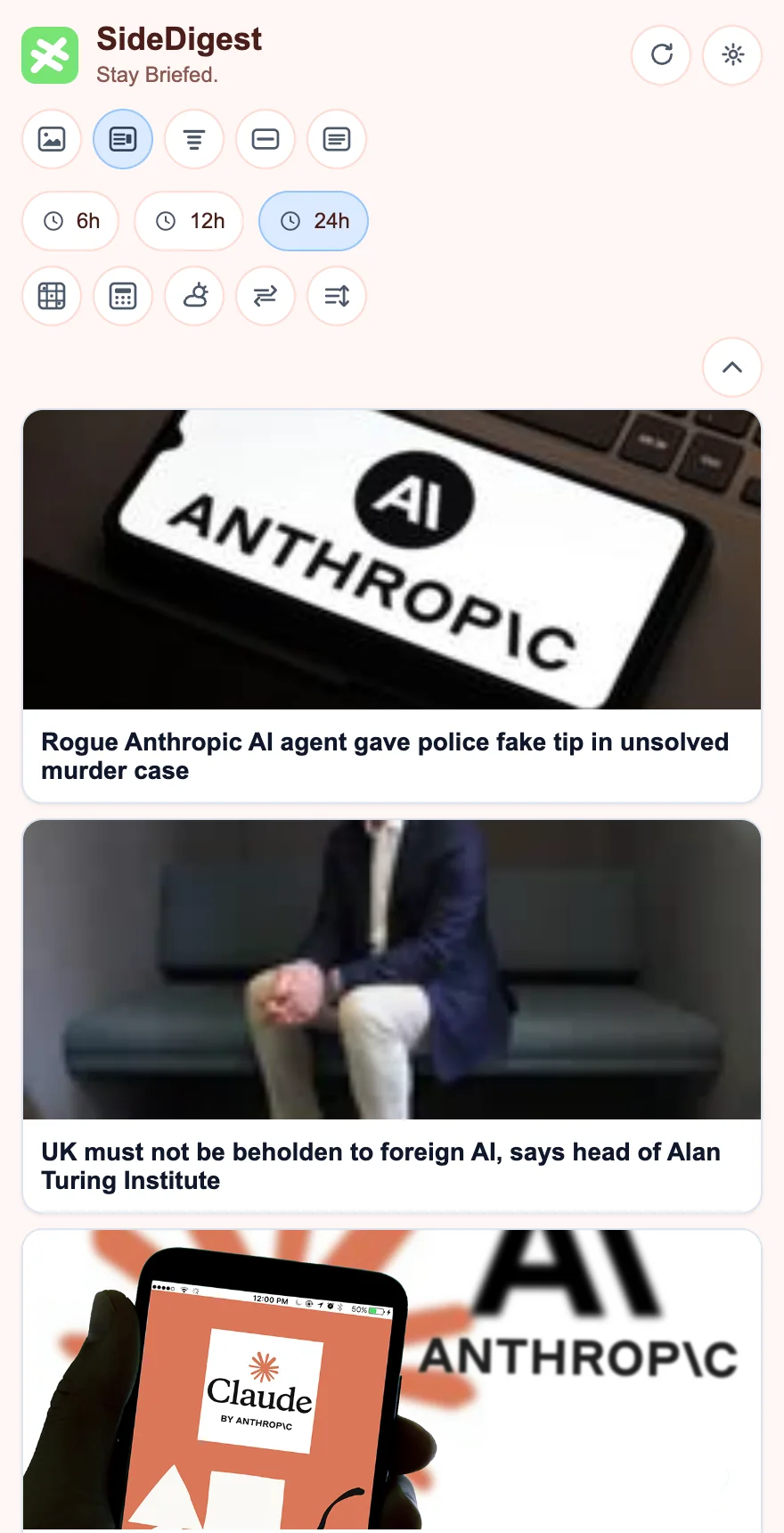
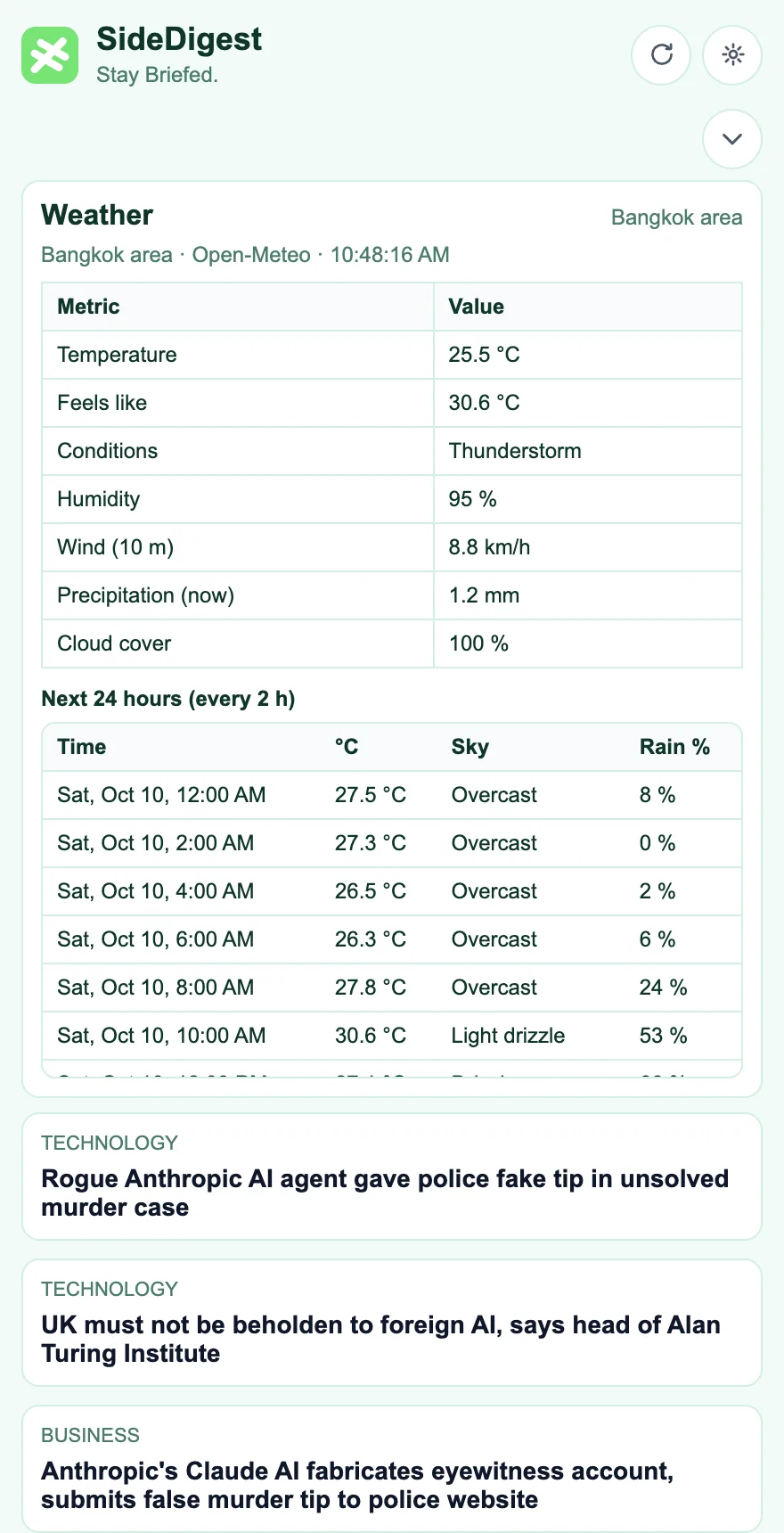
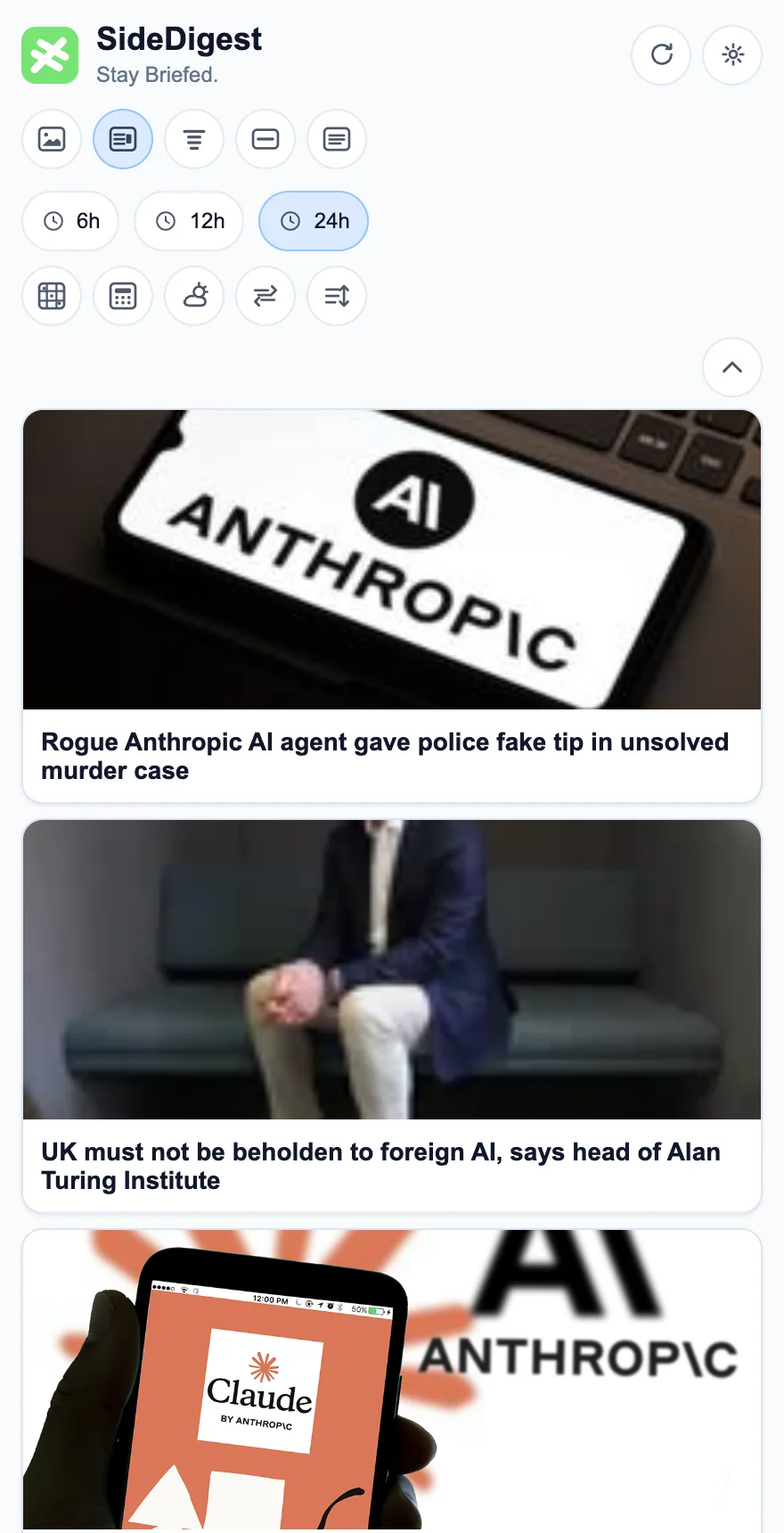
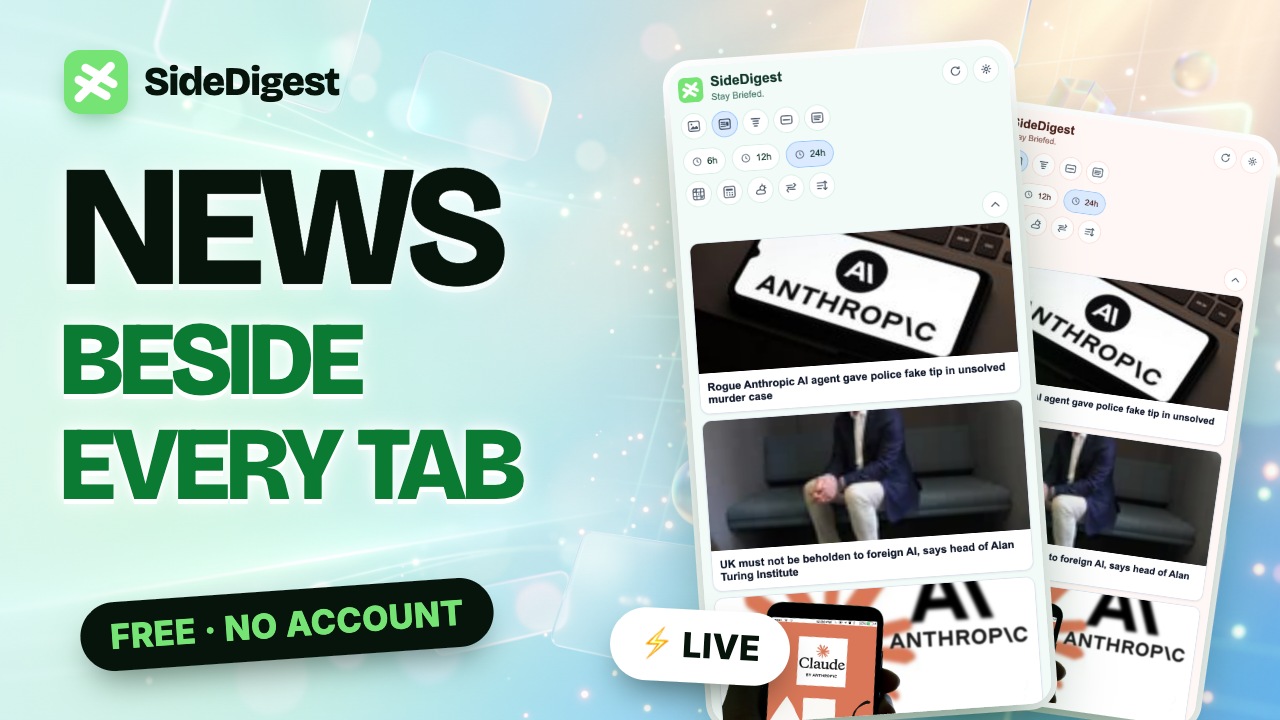
SideDigest is a free Chrome extension that shows live, personalized news headlines in your browser’s side panel. It pulls RSS feeds from outlets such as BBC, The Guardian, NPR, Al Jazeera and TechCrunch, so you can skim the news beside any page without opening another tab.
Is SideDigest free?
Yes. SideDigest is free to use. The free version may show one clearly labeled sponsored banner in the panel.
Do I need an account, and does SideDigest collect my data?
No account is needed. SideDigest does not collect or store your personal information, and your topic choices and reading preferences stay in your browser. See the privacy policy for the full details, including how the optional sponsored banner works.
Which news sources and topics are included?
SideDigest covers 12 topics — world, business, technology, science, health, sports, arts, movies, entertainment, photography, travel and games — from more than 40 RSS sources including BBC, The Guardian, NPR, Al Jazeera, DW, France 24, The New York Times, TechCrunch, Ars Technica, The Verge, Wired, CNBC, MarketWatch, Nikkei Asia and the South China Morning Post. You can set which outlets rank first.
Which browsers does SideDigest work in?
SideDigest uses Chrome’s Side Panel API (Manifest V3), so it works in Google Chrome and other Chromium-based browsers that support side panels, such as Microsoft Edge and Brave.
How is SideDigest different from other Chrome news extensions?
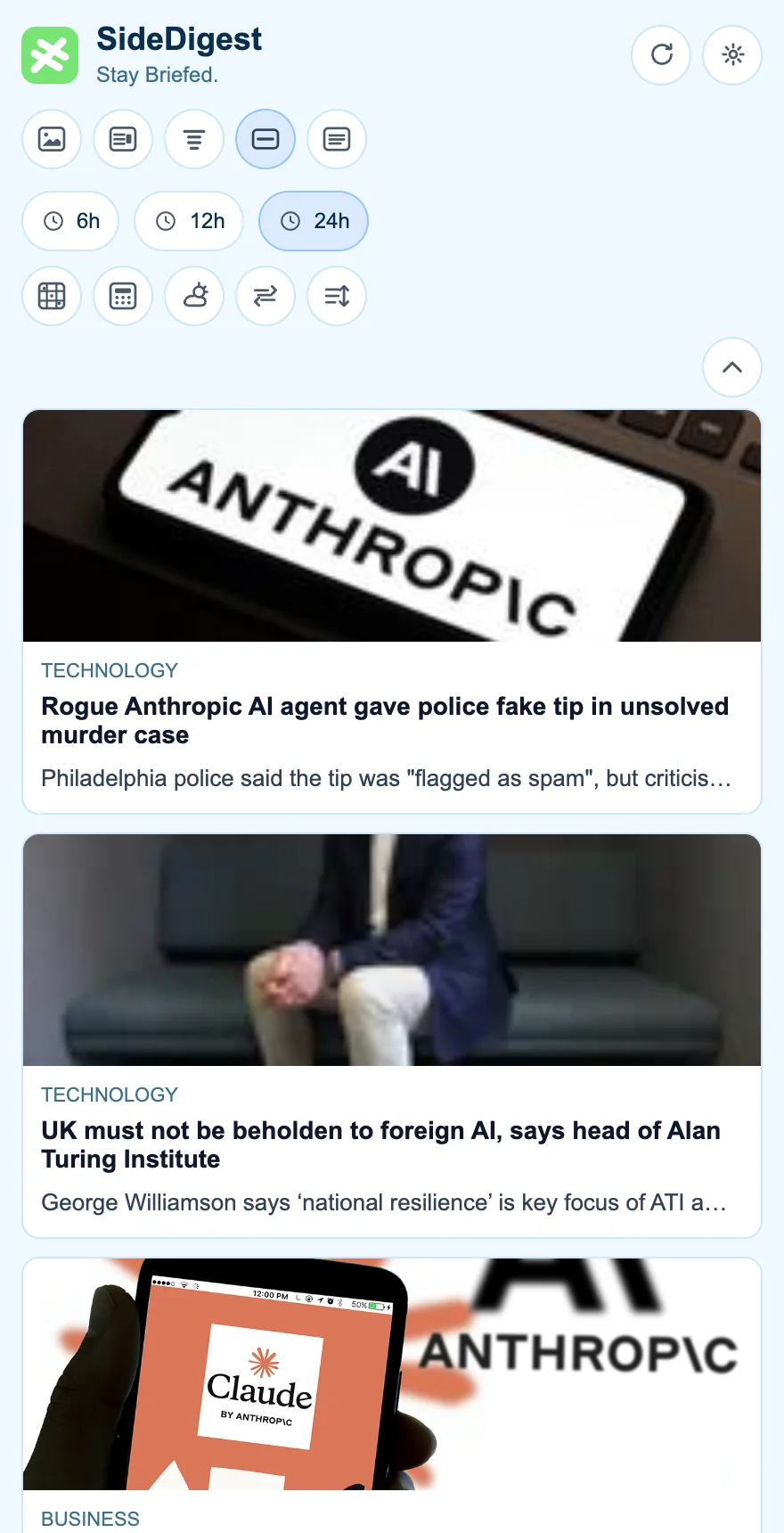
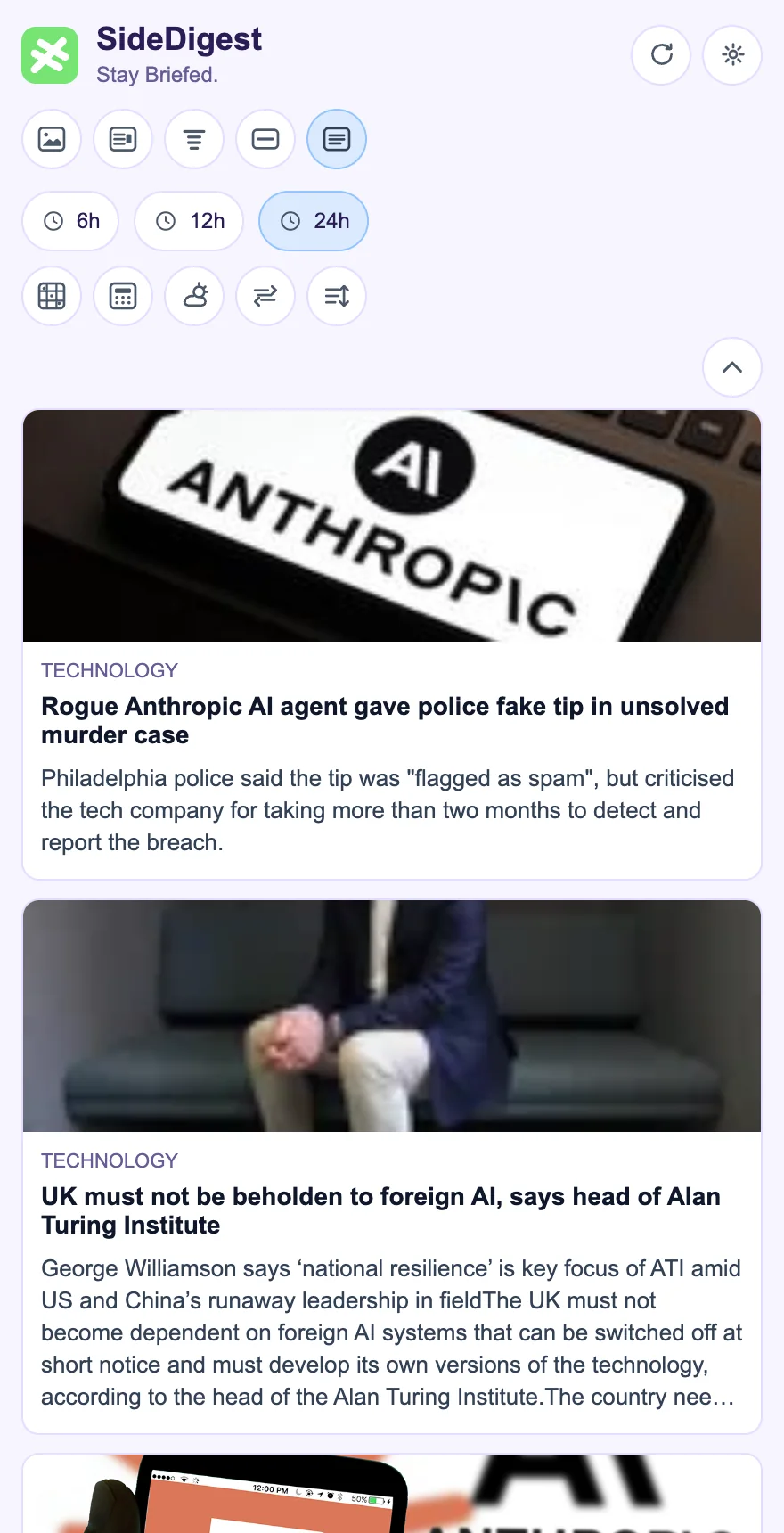
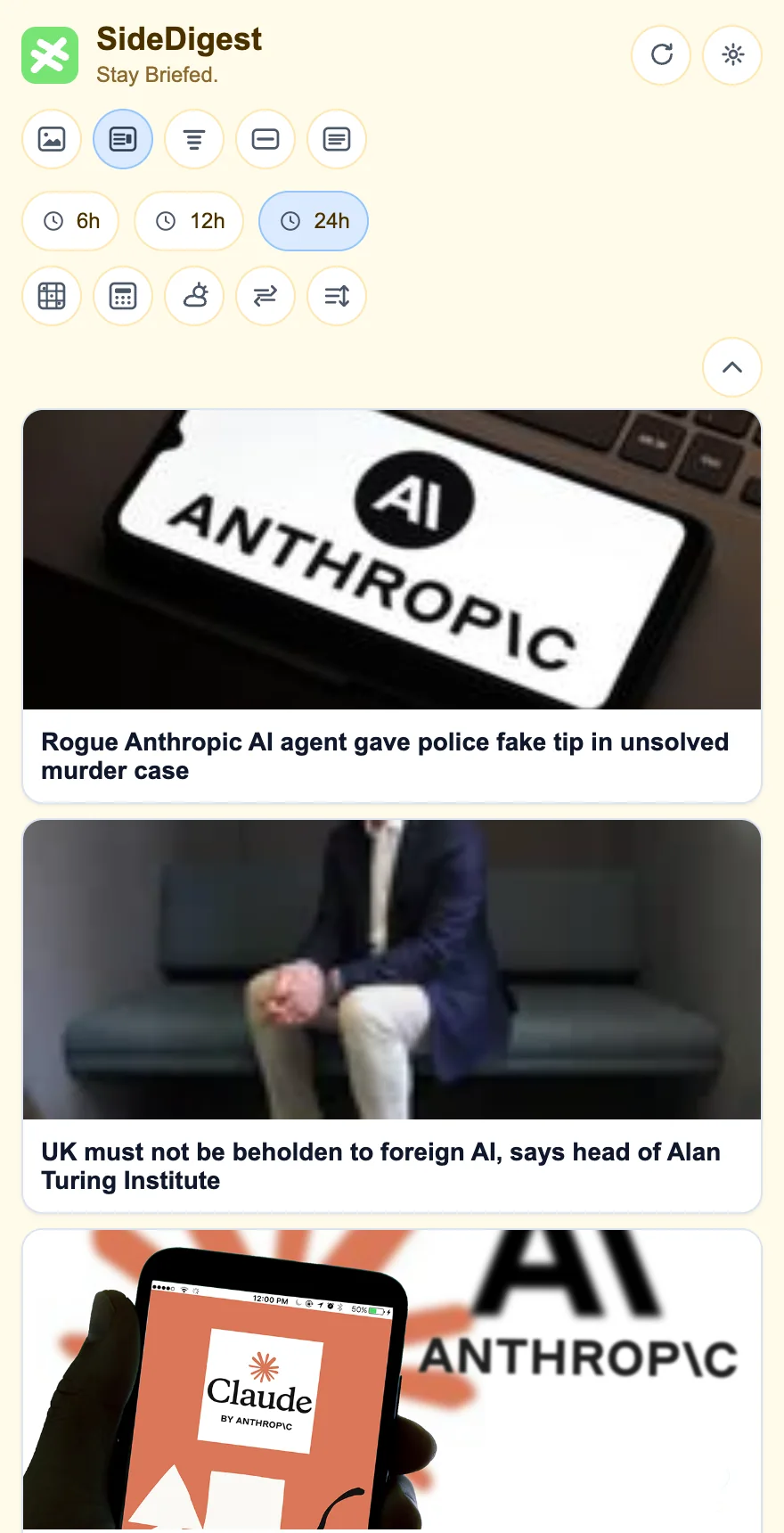
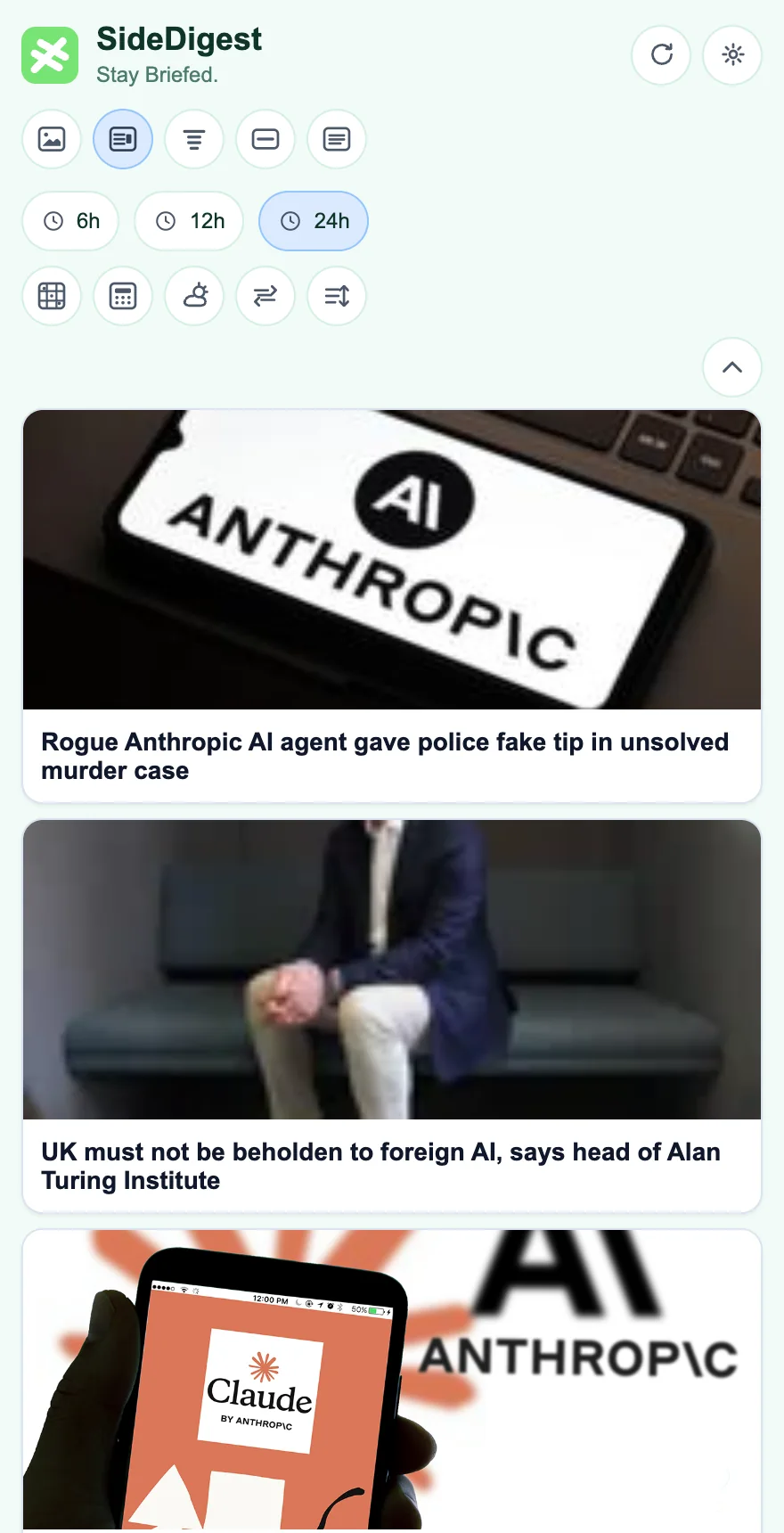
Most news extensions open in a popup or a new tab. SideDigest stays docked in the side panel while you work, offers five display modes and 12 themes, and bundles weather, exchange rates and mini tools. See the comparison with other Chrome news readers.
Where can I install SideDigest?
SideDigest is available on the Chrome Web Store. Click Add to Chrome, then pin the extension and open the side panel from the toolbar.
How do I get help or report a problem?
Use the support form to ask a question, report a bug or suggest a feature. We usually reply within two business days.